
TiviMate with IPTV Finland: Android TV Player Checks
Assess TiviMate for remote-controlled Android TV viewing and configure the subscription separately from the player.
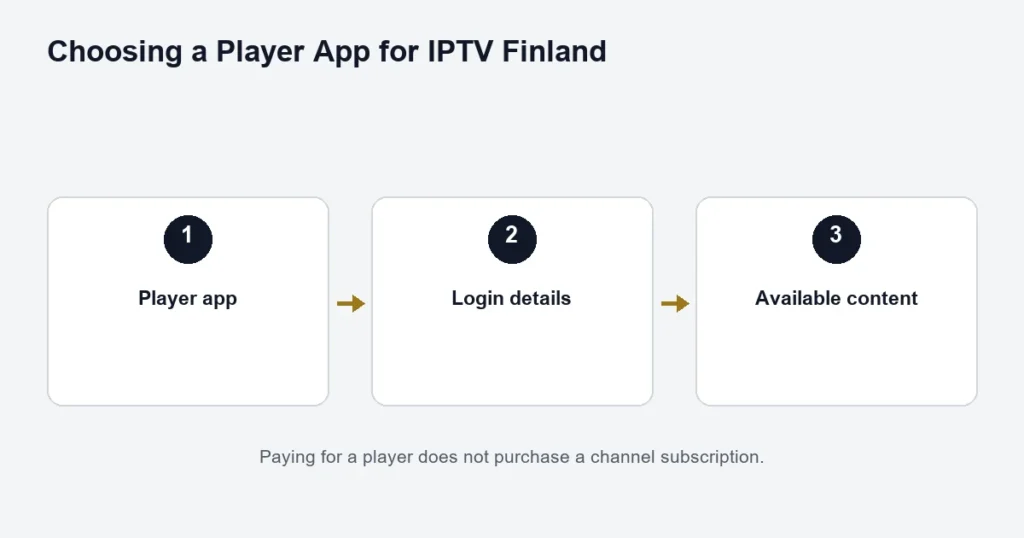
TiviMate is a player designed for Android TV and remote-control use, according to its official Google Play listing. It supplies no channels of its own. Installing it is not a subscription purchase.
Confirm the platform and edition
Check the listing on the intended television or streaming device. Do not infer support for Samsung’s or LG’s native TV platform from the availability of an Android TV edition. Likewise, avoid assuming that a phone, tablet or desktop uses the same interface.
Configure access before tuning the guide
Use the subscription format supplied to you and confirm that the channel list loads. Test ordinary playback before adjusting guide offsets, favourites or other preferences. If the programme times are wrong, check the device clock and Finland’s time-zone setting first.
Player features do not create content entitlements
A guide entry is not a promise of catch-up playback. A feature shown in an app may require an appropriate licence, source and subscription capability. Check those conditions in the current listing and the supplied service details rather than assuming every control is usable.
The Android TV guide covers device checks. Read catch-up limitations if replays matter to you, or follow the installation guide for basic login problems. The current Premium app benefit names Hot Player / IBO; do not assume it includes a TiviMate licence.
Start with the television platform
Identify the device running the player. Android TV, a native Samsung television interface and a tablet-style Android box are not interchangeable descriptions. Confirm the actual store listing and supported edition before treating a familiar player name as proof of compatibility.
The Android TV guide and Google TV guide help identify the relevant television route. If you are using a different box, record its model and system before following television-specific instructions.
Keep the player subscription separate from IPTV access
A player can offer its own paid features. Those features belong to the software and do not supply the television catalogue or change the IPTV connection allowance. Read the current app listing and terms for the exact edition rather than assuming the service plan includes every app upgrade.
Likewise, IPTV Finland Premium and a player’s Premium label refer to different products. The shared word does not establish a bundled entitlement. Confirm any named player benefit with the service before paying for a separate licence.
Choose the input supported by your access details
- Open the confirmed player edition.
- Review its available account or playlist input options.
- Use the option matching the supplied setup instructions.
- Copy individual fields carefully and check for spaces.
- Save the entry with a clear non-sensitive label.
- Allow the initial list to load before testing.
If the app asks for a format you do not have, use the installation checklist to explain the mismatch. Do not construct an undocumented address or assume an order reference is a login.
Build a manageable television routine
Check remote navigation from the main list to playback and back. Find the programme guide and the audio or subtitle controls. If the player offers list organisation in your edition, use it to make commonly watched sources easier to locate.
Keep the original channel identity clear when using a custom favourite name. If a source fails, support needs to know which source it was, not only the nickname used in the household. For Finnish or Swedish viewing, verify the tracks on the actual programme.
Guide behaviour needs its own check
Playback and schedule information can behave differently. If a channel plays but the guide is blank, check the account selection, clock and the app’s documented guide refresh. Do not immediately erase a working playlist because one schedule entry is wrong.
The EPG guide explains how to compare a known programme and distinguish one incorrect source from a consistent time shift. Keep the exact date and channel in your notes.
Do not infer source capabilities from player controls
A recording, replay or other control in an interface does not establish that the source, account and setup support the intended action. Check the app documentation and service conditions for that function. This page does not promise recording or replay for every channel.
The catch-up article separates historical programme listings from playable replay. A past title still shown in the guide is not sufficient evidence that it can be watched again.
Troubleshoot using a small comparison
Only one source fails
Try another available source in the same account. Record the failing programme, date and symptom. Changing the player and account together loses the useful comparison.
Everything fails after an account change
Check which saved entry is active and compare the supplied fields with the selected mode. An old trial entry can remain visible alongside a new account.
Playback changes when another device starts
Stop unused streams and check the selected allowance. A player licence covering several installations does not add service connections.
Keep a baseline before updating or reinstalling
Record the device model and app version that were working. Follow publisher-supported update and troubleshooting instructions. If a reset is proposed, understand which saved information it removes and keep private access details available securely.
A factory reset of the entire device is a much broader action than addressing a single guide or channel issue. Describe the boundary first so the next step is relevant to the symptom.
TiviMate questions
Does the app provide IPTV Finland channels?
The player and streaming service are separate. Use the access supplied for the service through a supported input method; installing a player is not activation of television access.
Are the player’s paid features included with IPTV Finland Premium?
Do not assume so from the word Premium. Confirm the exact named benefit and app edition before making another purchase.
Can I follow the same instructions on a phone?
Check whether the exact edition supports the device and controls. A television-oriented interface is not automatically suitable for touch use.
Where should I start if I am still choosing a player?
Use the player comparison to assess device support, input method, controls and licence scope before settling on an app.
Keep account selection visible to the household
If several saved entries exist, label them clearly enough that another viewer can select the intended one without reading private access messages. Avoid leaving a trial and a paid account with identical names. After changing an entry, return to the list and confirm which account is active before testing a source. This prevents an old saved configuration from being mistaken for the current service. Keep custom favourite names understandable as well, but retain the original source identity for support. These small organisation choices do not change the subscription; they make the player’s existing account and navigation controls easier to use correctly.