
IPTV Finland on Multiple Devices: Choose Your Connections
Choose two, three, four or five simultaneous connections based on the screens you actually watch together.
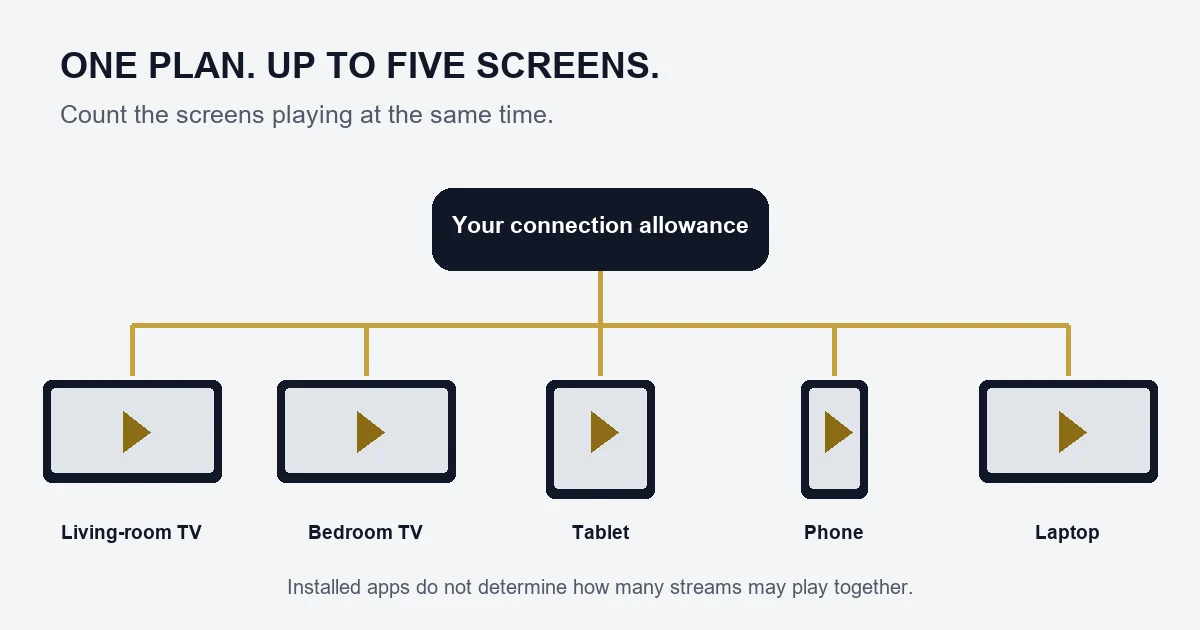
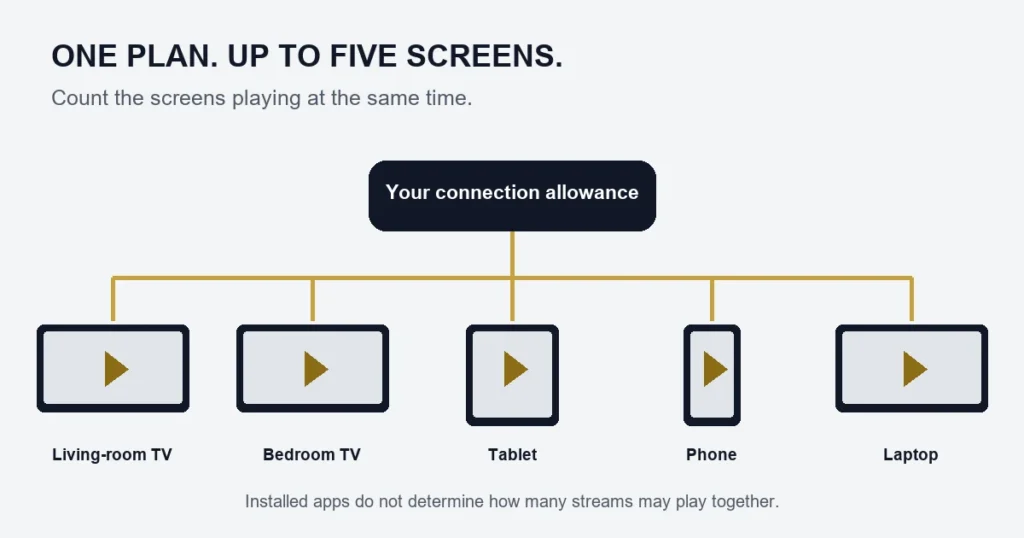
A connection is one screen playing at a time. Choose the highest number of screens your household expects to use together, rather than the number of devices on which you might install an app. IPTV Finland offers one to five simultaneous connections on both Standard and Premium plans.
Which connection count fits your household?
- Two connections: two people can watch separately, such as a living-room TV and a tablet.
- Three connections: useful when two TVs and another screen regularly play together.
- Four connections: covers four concurrent streams. Count a phone watching live TV as a stream too.
- Five connections: the largest option in the current pricing matrix. Check with support before planning a setup that needs more.
For example, if you use a TV in the evening and a laptop the following morning, those viewing sessions do not overlap. If someone watches the laptop while the TV is still playing, you need two connections. Closing a player or stopping playback is more reliable than leaving it paused in the background.
Compare the total price, then the duration
Select Standard or Premium, choose one, three, six or twelve months, and set the connection count on the pricing page. The displayed main price is the total for that selection. The monthly equivalent divides that total by the number of months; it is not a separate monthly billing promise.
For a twelve-month Standard plan, two connections cost €99.99 and five cost €199.99. For twelve-month Premium, the corresponding totals are €119.99 and €264.99. A shorter term can make sense while you establish how many screens you actually use.
Connections, picture quality and app licences are different
Adding connections changes how many streams may play together. It does not turn Standard into Premium or make an HD source become 4K. Standard includes the confirmed 15,000+ live-channel and 145,000+ movie-and-series catalogue; Premium includes 55k+ live channels and 240k+ movies and series, with 4K where available.
A player app is separate from the subscription. A licence that lets you install a player on several devices does not automatically increase your IPTV connection allowance. Premium lists Hot Player / IBO Lifetime Activation as a benefit; confirm the applicable app and device setup with support before buying another licence.
Check a multi-screen setup before relying on it
- List the screens likely to play together, including phones and tablets.
- Check the exact model and available player on each device using the installation guide.
- Ask support to confirm how your chosen connection allowance will be supplied.
- During setup, check simultaneous playback on the intended devices. Check more than one channel or title if one stream behaves differently.
Several streams also share your internet connection. If one screen works but multiple screens buffer, stop the extra streams and compare again. Note whether the problem affects one device, one programme or every stream. That information helps support distinguish a device or network problem from a connection-limit issue.
Can I add connections later?
Contact support with your current plan and the number of simultaneous screens you need. Do not buy a second subscription assuming the accounts will merge, or assume an existing term can be repriced automatically. Support can explain the available change before you commit.
Ask about your multi-device setup or compare all plan totals.