
IPTV Finland Installation Guide
Use your supplied account details with a compatible player, then check login, playback and programme-guide issues separately.
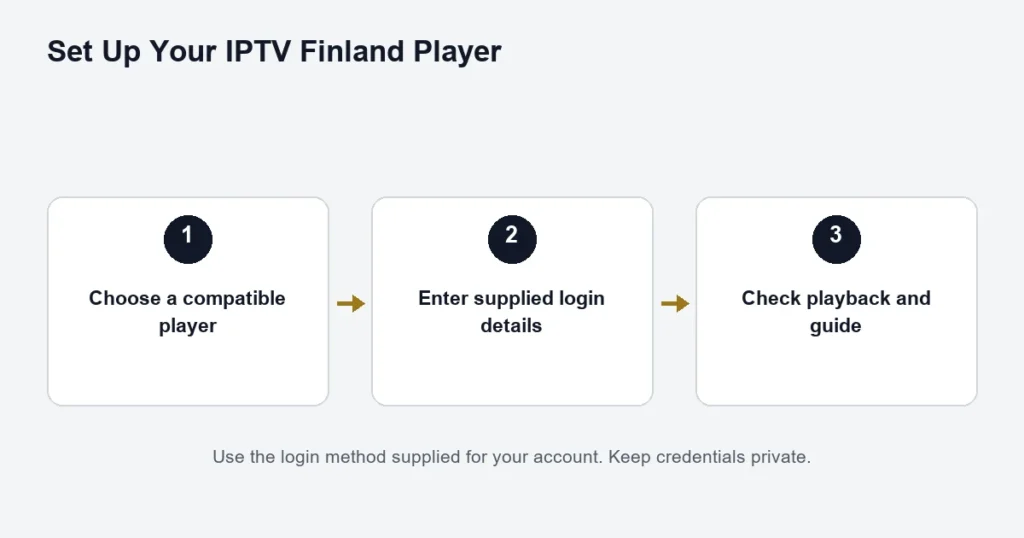
Start with the access details supplied for your IPTV Finland account and a compatible player on your device. Installing an app alone does not activate a subscription. Keep the supplied details private and use the login method that matches them.
Before you install
- Identify your device model and operating system.
- Confirm which player edition is supported and whether its licence is separate.
- Have your Server, Username and Password ready if you received Xtream details.
- Check that the device has a working internet connection and the correct date and time.
See the device compatibility guide and player app comparison. Do not buy a player licence just because its name resembles the recommended app.
Enter Xtream details
- Open the compatible player and choose its Xtream or separate-server login option, where supported.
- Enter the supplied Server address, preserving its protocol and any explicit port.
- Put Username and Password in their own fields. Avoid leading or trailing spaces from copying.
- Save the account and allow the player to load its channel and programme information.
If your player asks for a playlist URL instead, confirm the correct setup method with support. Do not combine separate fields into a guessed address. An app account, device activation code and subscription login are not interchangeable.
Smart TVs
Use the app store on the exact television model. Samsung and LG TVs do not necessarily run Android applications. If the agreed player is missing, check the model and store region with support rather than installing an unrelated app. Samsung publishes model-dependent app guidance; those Canadian-market instructions may differ from your Finnish TV.
Android TV, Google TV and Fire TV
Choose a television edition designed for remote-control navigation. On Google TV, search for the app or browse the Apps area and install it only if it is available for your device; see Google’s instructions. Fire TV models and software vary, so check the store on your device. This guide does not supply an unverified APK or universal sideloading procedure.
Apple TV, iPhone and iPad
Check the exact device and player edition. Apple TV 4K and HD can download apps through the App Store; older models have different limits, as Apple explains. Follow the player’s supported login method rather than assuming an iPhone app works on Apple TV.
Windows and Mac
Confirm a desktop-compatible player and its official publisher download before installation. If you received separate Xtream fields, use a player that accepts them or ask support for the correct method. A playlist-only player may need a different input; do not assume every account message contains an M3U link.
Check playback and the guide separately
Try one available channel before opening other devices. If login fails, recheck the supplied fields and app edition. If the channel plays but the programme guide is empty or shifted, check guide refresh and the device’s time zone. See EPG and catch-up troubleshooting.
If playback stops when another screen starts, check the purchased simultaneous connection allowance. For buffering, note whether the issue affects one programme or many; compare the network and player one change at a time. No single speed figure or setting guarantees uninterrupted playback.
What to send support
Include your request number, device model, app name/version and the exact error. For a channel or Finnish programme, give its name, date, time and the audio/subtitle option you need. Keep passwords out of screenshots. Use the contact page for assistance.
More viewing help
Read about Premium and 4K, sports and PPV, movies and series and the listed VPN benefit, or compare plans.
Make the first successful login easy to repeat
Give the saved account a name you will recognise on the device. If the player already contains an old trial or another household account, check which entry is selected before testing. An old saved playlist can make a new setup look incomplete even when the newly supplied details have not been used yet.
Copy each field carefully and review it before saving. A server address may include a protocol or port that belongs to the supplied configuration. Do not remove those parts to make it look more familiar. If the player offers several login modes, choose the one that actually matches the information you received.
Do not turn an input mismatch into a password reset
If the app requests an input you were not given, stop at that boundary and confirm the supported method. Repeatedly changing a password will not make a playlist-only field accept three separate account fields. The player comparison helps distinguish the app’s activation from the subscription login.
A short test after setup
Once a channel plays, check the functions you will use most. Return to the list, select a second available programme, open the guide and find the audio or subtitle menu. Then stop playback and reopen the app. This confirms that you can find the saved account without repeating the whole installation.
For Finnish or Swedish viewing, inspect the actual track choices on a relevant programme. The language of the app menus is a separate setting. If subtitles are absent on one title, compare another title known to offer them before deciding that the player cannot display subtitles at all.
Separate errors before reinstalling
- The app will not install: check the device and store listing.
- The account will not save: check the login mode and field format.
- The list is empty: confirm the selected account and ask whether access is ready.
- Only one programme fails: record that source rather than erasing all settings.
- Playback works but the guide is wrong: investigate the guide and clock separately.
Reinstallation can be a useful publisher-supported step, but it may remove saved information. Keep the app name and settings you need before doing it. Never post a full login screen publicly to explain the issue.
Setup questions
Do I need to install on every household screen at once?
No. Start with one working device, then repeat the confirmed method on the next compatible device. This makes it easier to distinguish an account-wide issue from a particular screen’s player or network connection.
Can I use instructions from a different device?
Use them only for general concepts. Store menus, app editions and supported inputs can differ. A television remote also offers different controls from a phone touchscreen, so the exact platform guide is the safer starting point.
Is an order receipt the same as access details?
No. A receipt records the request or purchase. Follow the access instructions supplied separately when they are ready. Submitting a request does not mean that entering the receipt number into a player will load channels.