
IPTV Finland and VPNs: Questions to Ask Before Setup
Clarify how the listed VPN benefit works on your device instead of assuming it replaces every network or privacy check.
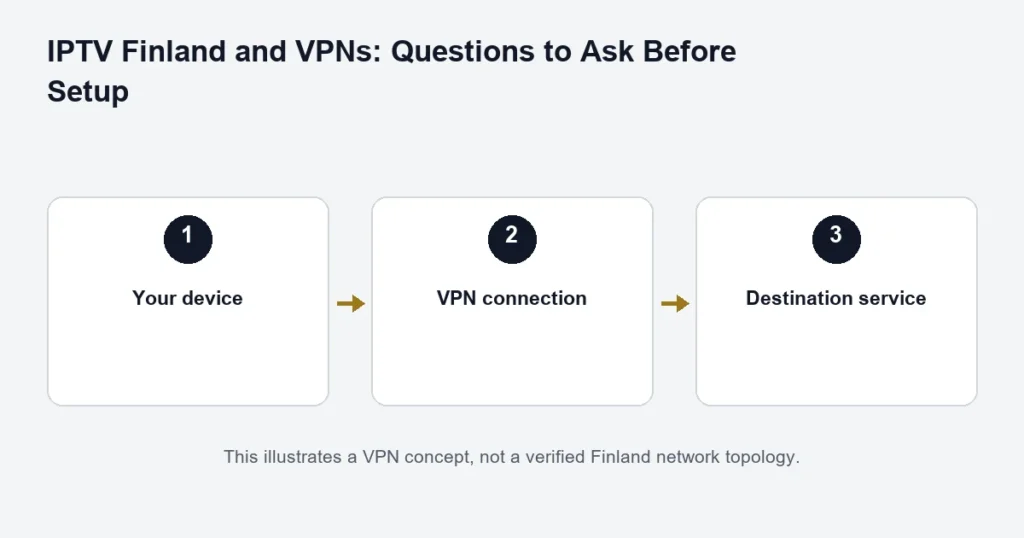
Both Finland tiers list a built-in VPN benefit. The specific implementation and device configuration have not been verified for this guide. Ask support how that benefit is supplied on your intended device before assuming that installing a player automatically protects all of its traffic.
What a VPN changes
A VPN can create an encrypted connection between a device and a VPN endpoint and route traffic through that endpoint. It does not, by itself, establish that a media player is trustworthy or that a destination website protects your account. Cloudflare’s VPN explanation describes the underlying concept.
Confirm the scope
- Is the benefit configured in an app, on the device, or elsewhere?
- Which devices and operating-system versions are supported?
- Does it cover only the player or other traffic too?
- How can you confirm that the intended connection is active?
No endpoint location, logging policy, dedicated Finnish server or whole-device protection is asserted here. Those details need a verified answer from the provider of the actual VPN service.
Do not treat a VPN as an automatic buffering fix
If playback changes when a VPN is enabled, compare one setting at a time on the same device. Note the channel, time and network used. A different route can behave differently, but this is not a guarantee of higher speed or better playback.
Also check ordinary causes: weak Wi-Fi, other household traffic, the player and your simultaneous connection allowance. Avoid purchasing another VPN solely because one programme stalls.
Contact Finland support to clarify the included benefit, or read the device guide before changing your setup.
Separate the listed benefit from your device setup
A plan feature describing VPN availability is not a complete installation specification. Before relying on it, ask what is supplied, which device or player it applies to and whether any separate setup is needed. Keep the answer with your plan information so you do not confuse a player setting with a different network service.
This matters particularly when several screens use different platforms. A television, phone and desktop computer do not necessarily expose the same network controls. The compatibility guide helps you identify the device first; the VPN question comes after that identification.
Questions to settle before changing a working connection
- What exact VPN-related benefit is included in the chosen plan?
- Does it apply to the device or player you intend to use?
- Who provides the instructions and any required account?
- Can you return to the previous configuration if the test fails?
- Does your network administrator allow the proposed configuration?
Do not enter subscription credentials into an unrelated VPN application because it asks for a username and password. Matching field names do not mean two services share an account. Use only the instructions supplied for the relevant service.
Troubleshoot a network symptom before choosing a remedy
Describe what fails: the app cannot sign in, all streams fail, one channel buffers, or playback changes when another device starts. These are different symptoms. A VPN is not a universal explanation or solution for all of them.
For example, if one television loses playback whenever a second screen opens, check the connection allowance and the setup instructions. Changing the network route does not establish that the purchased allowance increased.
Keep comparisons controlled
If support supplies a network test, keep the device, player and programme the same while changing only the instructed setting. Record the time and outcome. Comparing a phone on one network with a television on another changes too many things to identify the cause.
Stop the test if you no longer understand which configuration is active. Restore the previously recorded setting rather than accumulating several unknown changes. Avoid removing security settings simply because a forum comment says they improve streaming.
Privacy expectations should be specific
Ask what information a service processes and read the applicable privacy information. Do not treat the word VPN as a promise of anonymity, a guarantee that no records exist or proof that every activity is permitted. The relevant provider and configuration determine the details.
Keep account messages, screenshots and device identifiers private. Even when a network service is in use, publishing an access screenshot can disclose the details directly. A safe support description usually needs the app, device and error rather than a full credential screen.
Using a shared or managed network
On a work, accommodation or other managed network, follow the network owner’s rules. Ask whether streaming and the proposed configuration are supported rather than trying to bypass controls. A captive portal or incomplete network sign-in may need to be resolved before the player can connect normally.
If you are moving between a home connection and another network, test only when you are allowed to use it. Record which network exhibits the issue without sharing private network passwords. The phone and tablet guide covers the practical distinction between device portability and simultaneous viewing.
What this means when comparing plans
Choose a tier for the confirmed combination of content, features and total price. If a VPN-related feature is decisive for you, obtain the device-specific explanation before ordering. Do not assume that choosing Premium changes every application installed on the television.
The Premium comparison separates the advertised benefits from source and hardware requirements. For login problems, use the installation guide first. An account entered into the wrong field is not fixed by selecting a different plan.
VPN questions
Does a VPN guarantee smoother playback?
No performance guarantee is made here. A playback issue needs to be identified and tested on the actual setup. Record evidence before deciding that a network change helps.
Can it turn an HD source into 4K?
No. Picture resolution depends on the available source and the playback chain. The 4K guide addresses those requirements separately.
Should I share my access message with a VPN support forum?
No. Describe the symptom without exposing subscription details. If an administrator needs private information, use the established private support route and provide only what is relevant.
Do I need a different subscription for every network?
Do not infer account terms from the network alone. Ask about your intended use, device and simultaneous screens. Avoid buying another plan on the assumption that it will solve an unidentified connection problem.
Record the original network setting
Before following a supported VPN-related setup change, note the existing configuration in a private record and confirm how to return to it. Keep the same device, player and source for the comparison. If a result improves or worsens, record the symptom and time without claiming the change will have the same effect everywhere. Do not leave several unverified settings active because each was suggested by a different source. A controlled, reversible comparison provides useful evidence; a collection of unknown network modifications makes later account and playback questions harder to separate and can disrupt other uses of the connection.