
Watching Sports, Football and PPV with IPTV Finland
Confirm the event, feed and device setup before match day instead of relying on catalogue totals.
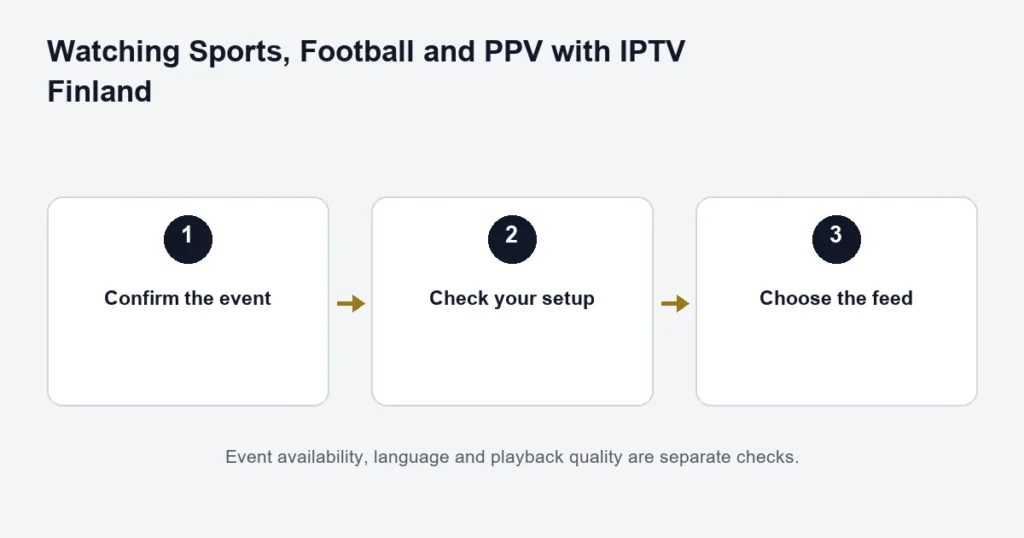
If you want a subscription for a particular match or event, ask about that event specifically. Premium lists sports and PPV availability; Standard lists sports and PPV where available. Neither statement is a fixture list or a guarantee that every competition, broadcast or replay is included.
For an individual broadcast, use the dedicated football match checklist or PPV event checks.
For football, name the competition and match
Give support the competition, teams, date and preferred commentary language. The same match may have several feeds with different languages or quality. Check the programme guide close to the event, including the time zone shown by your player. We do not publish an unverified list of football rights or promise access to every league.
For PPV, ask about the exact event
A PPV label does not confirm every event or every regional feed. Ask which coverage is available on your chosen tier and whether any setup step is needed. Do not assume that a scheduled listing also includes a replay.
Prepare the device you intend to use
- Open the agreed player and confirm the subscription loads.
- Check ordinary live playback before the event starts.
- Confirm the intended audio track and screen settings.
- Stop unused streams if you are close to your connection allowance.
If playback stalls, note whether one feed or all channels are affected. Compare the same device with other playback before changing several settings. A clear report is more useful than repeatedly reinstalling the app.
Live viewing and replay are different
EPG is a schedule. Catch-up is playback of an earlier programme where the channel and app support it. A live sports stream does not automatically provide catch-up, recording or an on-demand replay. See the EPG and catch-up guide for the distinction.
Build a match-day checklist around one event
Start with what you want to watch, not a list of channel logos. Write the sport, competition, participants, event date and commentary language. If you mean a particular session, such as qualifying rather than the race, say so. A broad event name can cover several broadcasts with different start times.
For a household watching from Finland, distinguish the event’s advertised time from the time shown in your player’s guide. An overseas listing may use the organiser’s local time. Keep your device clock correct and inspect the guide near the broadcast. Do not change a global time offset simply because one programme has an incorrect listing.
Check the viewing experience that matters to you
Picture quality, commentary, subtitles and replay are separate requirements. Someone watching an ice-hockey match may prioritise smooth motion and Finnish commentary; another viewer may mainly need to replay the event later. Write down the priority before comparing tiers. The presence of a sports category does not settle those details.
Use the Finnish channel identification guide when a channel has several regional or language versions. For football, the fixture-specific guide goes into competition, team and feed checks without treating every match as interchangeable.
Prepare the equipment before the broadcast starts
- Use the television and player you expect to watch on.
- Confirm the subscription details are available and the correct account is selected.
- Try an available live source before the event.
- Check the audio route, including any soundbar or receiver.
- Stop other household streams that are not needed.
- Keep the event details and request number available if assistance is necessary.
This is a preparation routine, not a promise that a future feed will work. It helps separate a forgotten login or muted receiver from a source problem. Installing a new app just before kick-off can add an unfamiliar licence screen, different controls or a missing saved account.
If the picture stops during an event
One feed or everything?
Try another available source in the same player without changing the account. If other programmes play normally, note the failing event and feed. If nothing plays, check the app’s connection, account selection and other active screens. The result is more informative than repeatedly restarting the television.
Picture is present but sound is wrong
Inspect the selected audio track and the television’s output. A different commentary language can be a feed choice, whereas silence may involve the player or sound system. Note whether the same problem occurs through the TV speakers before altering several sound settings at once.
The guide and broadcast disagree
A delayed event, changed schedule or incorrect guide entry can produce a mismatch. Confirm what is actually on screen and compare it with the programme information. The guide troubleshooting article explains why a schedule entry does not guarantee the live programme.
Live viewing, PPV and replay need separate decisions
If you are buying primarily for one paid event, read the PPV questions before committing. A Premium benefit describing PPV availability is not an event ticket or a confirmed list of included broadcasts. Ask about the exact event and source instead of extrapolating from a previous broadcast.
If you cannot watch live, establish replay availability in advance. A completed programme remaining in the guide is not proof of catch-up support. The catch-up guide separates programme listings, supported replay windows and player compatibility. Recording is another function and should not be assumed from either one.
Sports viewing questions
Does Premium mean every event is 4K?
No. The tier lists available 4K content, but the particular source and the complete playback setup determine what you can watch. Review the Premium comparison for the catalogue and app benefit, and assess the event individually.
Can a free test establish future fixture availability?
A test can help assess the device and available content during that test. It cannot confirm a future broadcast that is not taking place. Use it to learn the controls and verify the setup, then ask separately about the event you intend to buy for.
What is useful to include in a sports support request?
Name the event, source, date, approximate time, player and device. Describe whether other sources work and which audio option you selected. Keep credentials out of screenshots and public comments. These details narrow the issue without asking anyone to guess which broadcast you mean.
Separate event preparation from source confirmation
A working television and player answer the setup question. Confirmation of the event, feed and language answers the content question. Keep both results in your preparation note rather than treating either as a substitute for the other. If the household plans to watch on a different screen from the test, check that screen too within the supplied allowance. Include any receiver or soundbar used on match day. The aim is to reduce avoidable setup surprises while remaining clear that a preparation routine cannot guarantee a future source or establish replay availability after the broadcast has ended.