
Choosing IPTV in Finland: A Buyer’s Checklist
Compare evidence that matters to your household: content, languages, device compatibility, connection limits and full costs.
The useful question is which service meets your viewing needs, not which website calls itself the best. Write down the programmes, devices and languages you need before comparing catalogue totals or long-term prices. This guide is a buying checklist, not a ranking based on invented testing.
Turn a claim into a check
- Channels: request the exact feed or regional version, not just a channel count.
- Languages: ask separately about Finnish or Swedish audio and subtitles for specific titles.
- Devices: give the full model and operating system, not only the brand.
- Connections: distinguish installed apps from concurrent streams.
- Price: compare the same term and connection count, including any separate player licence.
Use a trial with a purpose
Try the room, device and network you intend to use. Check remote-control navigation and ordinary playback before changing advanced settings. If a film plays but a live feed does not, record the difference rather than treating it as a single compatibility result. A short test cannot establish year-long reliability.
Read the conditions you might need later
Review cancellation or refund conditions and how to request setup help. Keep the distinction between a player purchase and a streaming subscription clear. A high price, a review badge or a large library figure is not proof of local offices, content rights or guaranteed availability.
For this site’s plan choices, see buying an IPTV Finland subscription. Use the device hub and Finnish channel checks before committing.
Build a comparison around evidence you can check
A useful shortlist starts with your own viewing requirements. Name several channels or titles, the language tracks you need and the devices in use. A provider that suits a different household is not automatically the best fit for yours. This page is a buying framework, not an independently tested ranking of services.
For a Finnish household, programme identity and language can be more decisive than a large catalogue total. The Finnish channel checklist helps distinguish a channel name from a particular feed, schedule and language version.
Compare like with like
Use the same duration and simultaneous-screen count across the options you are reviewing. Note the full term price, not just a displayed monthly equivalent. Check whether a player licence is separate and whether a listed benefit applies to your actual device.
Do not turn a missing detail into a favourable assumption. If the app benefit, event availability or account arrangement is unclear, write it down as a question. A precise answer is more useful than a broad promise that everything is included.
Assess a trial as a limited test
A trial can show how a player behaves on the device and network used during that test. Choose tasks that reflect your routine: remote navigation, an available live programme, audio selection, subtitles and guide use. Record what you tried rather than relying on an overall impression.
The Finland free request covers one connection. It does not establish five-screen performance or future event availability. A test’s limits should be part of your decision, not hidden behind a successful first channel.
Separate observations from promises
“This episode played on my television today” is an observation. “Every episode will work on every device for a year” is a much broader claim. Keep the first without inferring the second. This is particularly useful when comparing promotional statements with your own short test.
Evaluate support information before you need it
Check that the site gives you a clear way to identify an order or request and explain a problem. Useful assistance starts with the device, player and symptom. A promise of round-the-clock support does not by itself define a response time or a particular resolution.
Read the published privacy and refund information. Know what details you will submit and how to retain your order reference. Do not share private access screenshots publicly to obtain an informal recommendation.
Look at the device route, not just the television brand
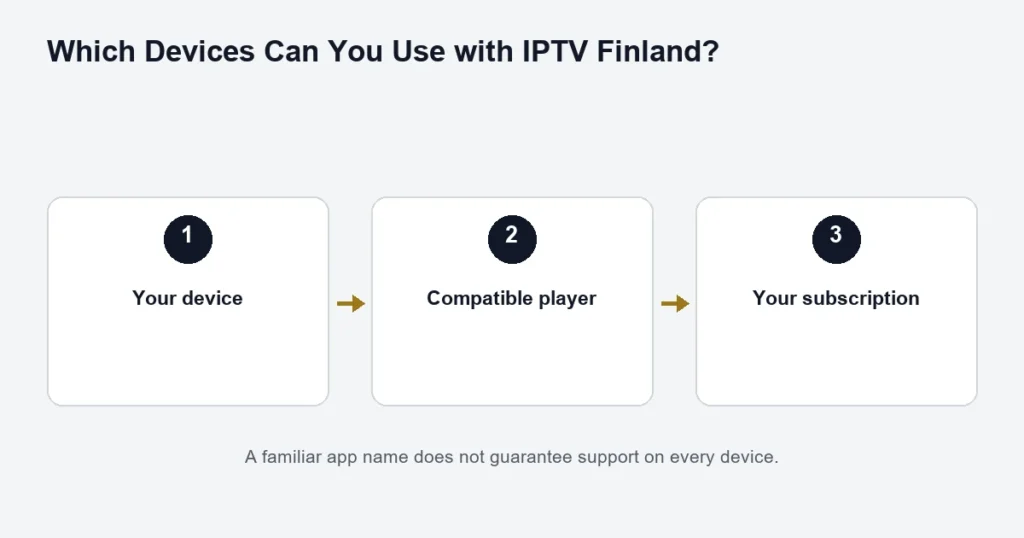
Find out whether the app will run on the television itself or an external box. Confirm the exact player edition. A store listing on a phone does not prove a television edition exists, and an Android installer is not a universal answer for Samsung or LG televisions.
The device hub explains the identification step. The player comparison covers inputs and licences. Use those checks before deciding a subscription price is the only cost.
Weigh the length of the commitment
A long term can have a lower monthly comparison but requires a larger commitment. Consider whether your equipment, viewing habits and household screen needs are likely to change. A short successful test does not settle every question about the coming year.
Compare the one-month option with the longer terms after the setup is understood. Review the published conditions rather than assuming a term can be converted, refunded or combined with another account automatically.
Questions worth asking before choosing
- Is the exact content and language I need currently available?
- Which player edition supports my device?
- What is the full price for my term and screen count?
- Is a separate app activation needed?
- What does the trial actually cover?
- How do I identify my order when asking for help?
Keep answers tied to the option you are considering. A statement about Premium may not apply to Standard, and a one-screen price may not apply to a household using several screens together.
Buyer questions
Does the biggest catalogue mean the best choice?
No single catalogue number establishes suitability. Check the programmes, device and features relevant to you. A larger list can still leave a specific language or event question unanswered.
Can this page certify another provider’s claims?
No. It does not claim independent testing, rankings or endorsements of competing services. Use the checklist to request evidence for the claims that affect your decision.
What is the next step after comparing?
Use the purchase sequence to select tier, term and connections, then review the exact total. That page handles the transaction decision; this one helps you decide what evidence to gather first.
Write down unanswered questions instead of scoring guesses
A comparison table is useful only when its entries distinguish confirmed facts from assumptions. If a service does not specify the player licence, screen allowance or exact event, mark that question unanswered in your own notes. Do not award it the most favourable interpretation. Keep prices tied to a date and selection, and retain the published terms you considered. This produces a practical shortlist without pretending to have independently tested every provider. Once the important questions are answered, compare the fit for your household rather than adding more generic criteria that do not affect what you will watch or how you will use the service.