
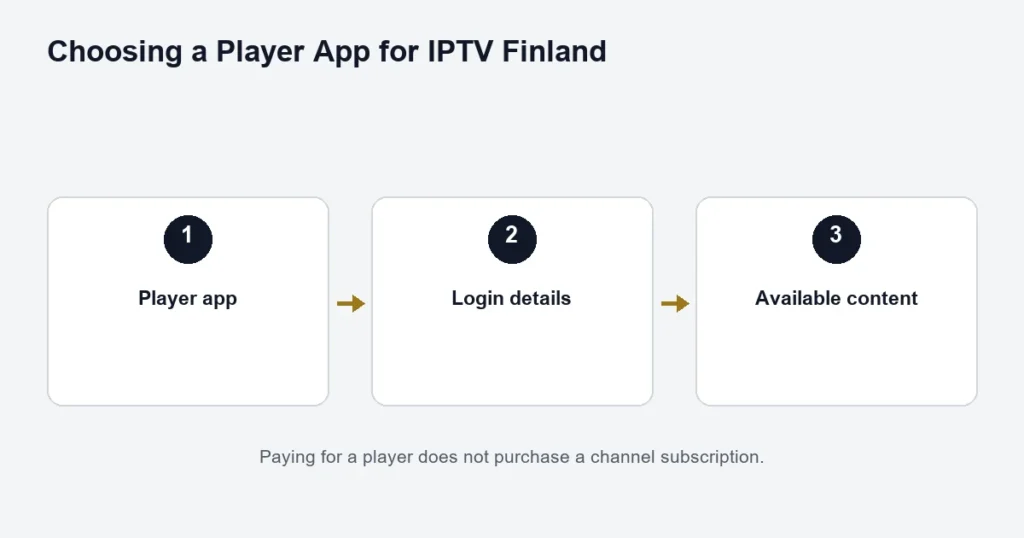
Choosing a Player App for IPTV Finland
Separate the player licence from the subscription, then check compatibility and the correct login method.
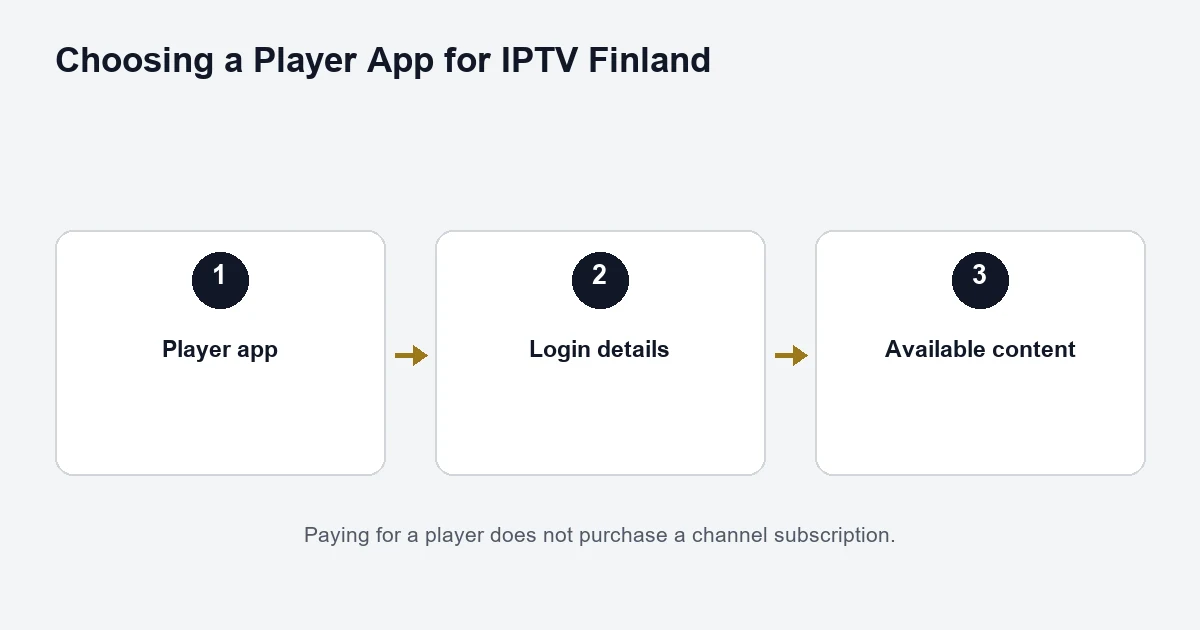
An IPTV player displays the content available through your subscription. Installing or activating the player does not, by itself, supply channels. Before paying an app fee, confirm that the app works on your device and that you have the subscription details needed to use it.
Hot Player
Hot Player has a separate activation process. Use the website linked by the actual app you installed and check its publisher, rather than assuming similarly named apps are interchangeable. The HotPlayer website describes player activation separately from playlist content.
Finland Premium lists Hot Player / IBO Lifetime Activation as a benefit. Ask support which app and device are covered before buying an additional licence. That app benefit does not make the IPTV subscription lifetime; the subscription still has its chosen term.
IBO Player
IBO Player’s support FAQ makes clear that player activation does not include channels. Follow the instructions inside your installed app when pairing or managing it. A change between Wi-Fi and Ethernet can affect the device identity shown by some TV installations, so mention that change to support if activation appears different.
TiviMate
The official TiviMate listing describes a player designed for Android TV and remote-control navigation. It supplies no content of its own. Check the current listing on your device rather than assuming a phone, computer or another TV platform uses the same edition.
Smarters
Confirm the exact Smarters application, publisher and device edition with support. Similar names are not enough to identify a download. This guide does not provide an unverified APK link or claim that one edition supports every platform. If the application offers multiple login methods, use the one that matches the details supplied to you.
Entering Xtream details
Keep Server, Username and Password in their separate fields. Preserve an explicitly supplied server port, and check copied text for accidental spaces. Do not paste a full playlist link into the server field unless the app’s own instructions explicitly call for that format. Never share a screenshot containing credentials in a public forum.
If login fails, first confirm the fields and app edition. Then note whether the error is authentication, a missing channel list, or playback after login. Those are different problems and need different checks.
See device compatibility before installing, or return to the setup guide.